Knowledge Base
How to Access the Dedicated Windows Server Management Panel
When you want to manage server resources or settings on your Dedicated Windows Server. This article explains how to access and use the Dedicated Windows Server management panel in the control panel.
Through our web-based control panel, you can perform frequent operations, such as stopping, starting, and restarting your server. Follow the steps below to access your Dedicated Server Windows Server Management Panel.
Step 1: Log in to your control panel.
Step 2: Navigate to the Order Information view.
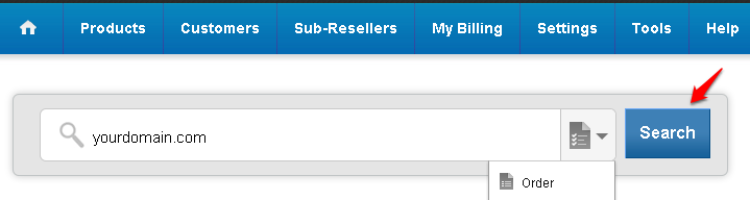
On the homepage, type the Domain Name of the order in the search field, select Order from the drop-down menu, and click on Search.
Step 3: Access the Server Management Panel.
- Click on the Admin Details link.
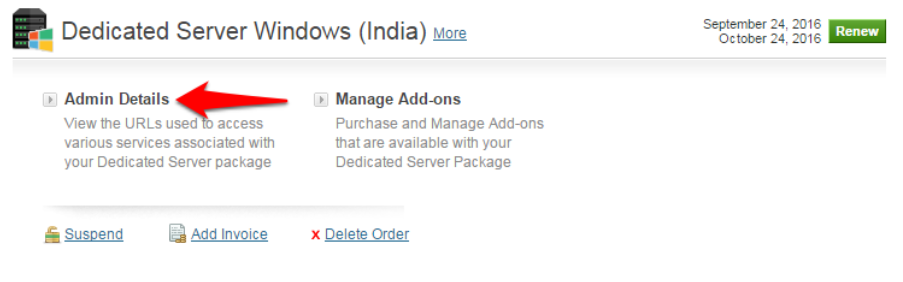
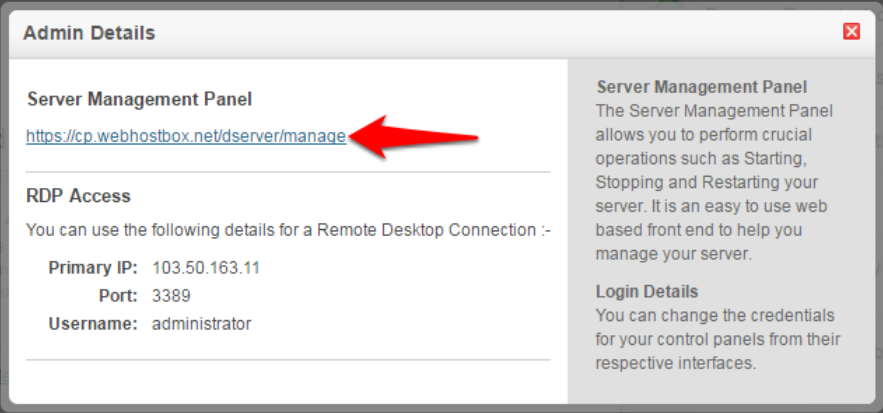
- Click on the link under Server Management Panel to access the server management panel.
Did you find this article helpful?