Knowledge Base
Categories: Renewals & Reissues
How to Renew, Suspend, or Delete an SSL Certificate Order
When you need to renew, suspend, or remove an SSL certificate order. This article explains how to manage SSL certificate orders in the control panel.
You can renew, delete, or suspend your SSL Certificate order by following the steps below.
Step 1: Log in to your control panel.
Step 2: Navigate to the Order Information view.
In the search field on the homepage, type the domain name of the order, select Order from the drop-down menu, and click on the Search button.
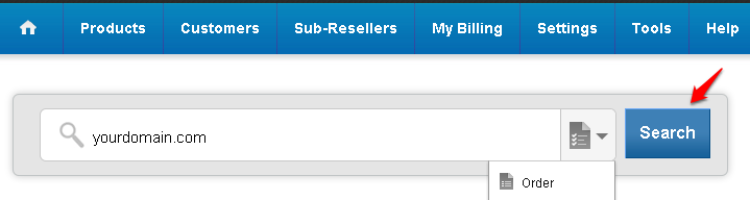
Step 3: Renew, Delete, or Suspend your order.
Renew your SSL Certificate order.
- Click on the Renew button.
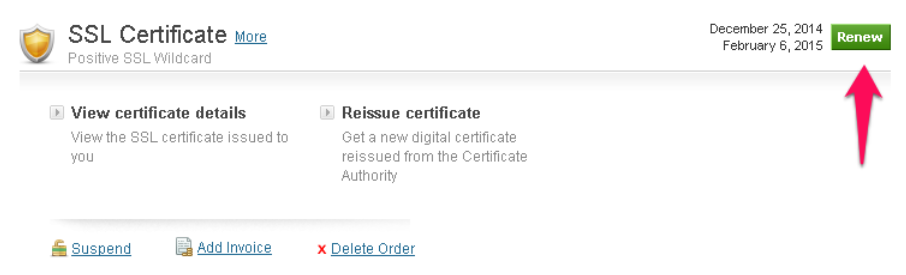
- Select the renewal duration and click on Renew Order to pay your invoice.
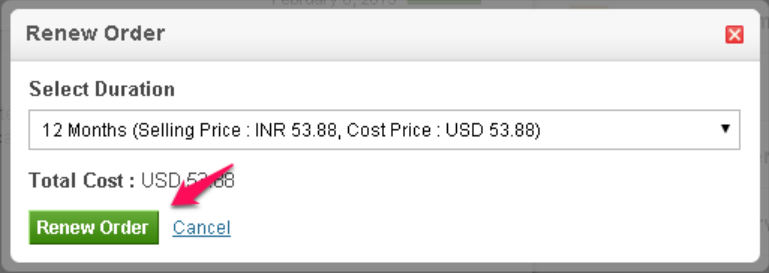
- Follow the steps for Applying for an SSL certificate to receive your final Certificate.
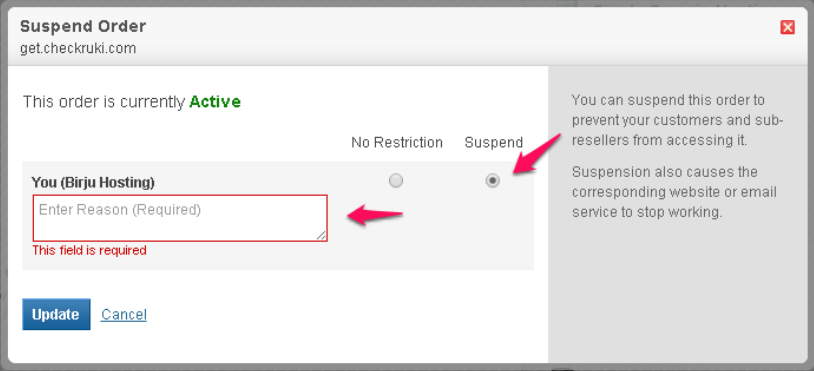
Suspend your SSL Certificate order.
- Click on the Suspend button.
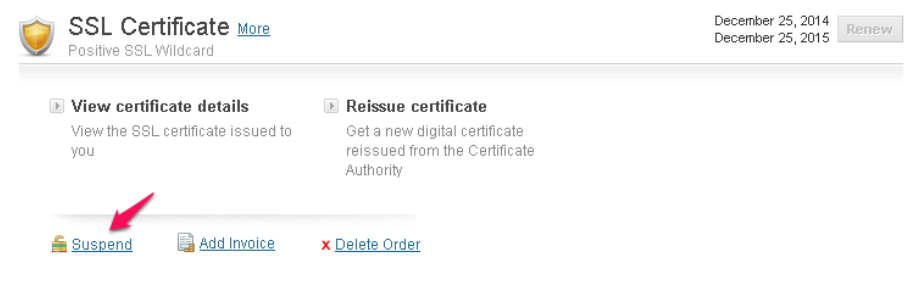
- Select the Suspend radio button, enter a reason for suspension, and click Update.
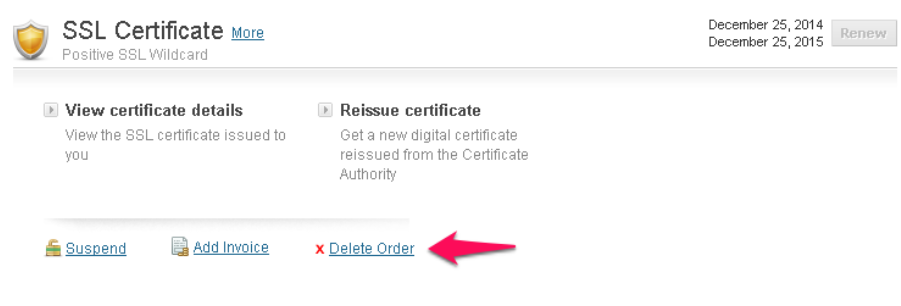
Delete your SSL Certificate order.
- Click on the Delete Order button.
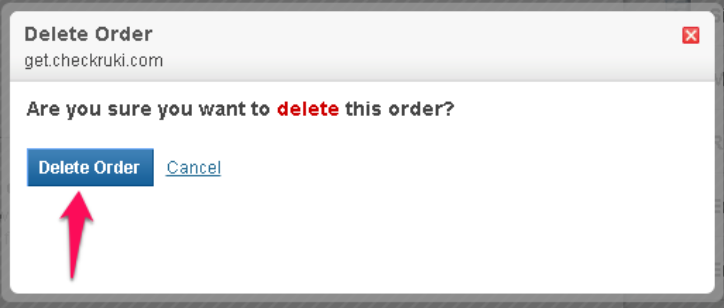
- Confirm your deletion.
Note
- Order renewal will only be available 30 days before expiry.
- In renewing a EV Certificate, Organization details will be verified again.
- No other actions can be performed once an order is suspended, except for deletion.
Did you find this article helpful?