Knowledge Base
Categories: Performance
How to Upgrade RAM or CPU for Cloud Hosting
When you need additional server resources to improve performance. This article explains how to upgrade RAM or CPU for a Cloud Hosting account through the control panel.
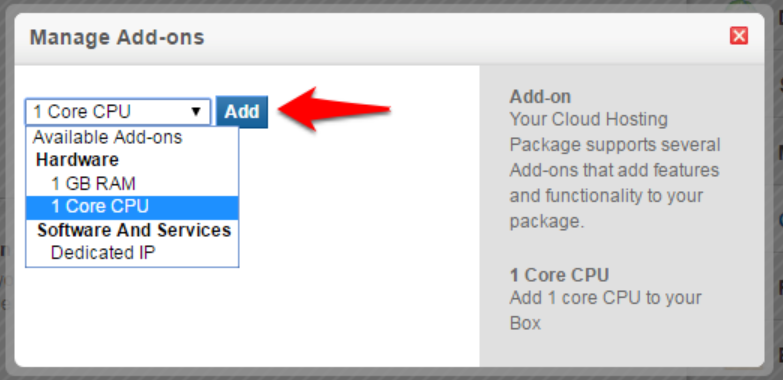
You can increase or decrease the amount of RAM or CPU cores on your Cloud Hosting Plan by following the steps below.
Step 1: Log in to your control panel.
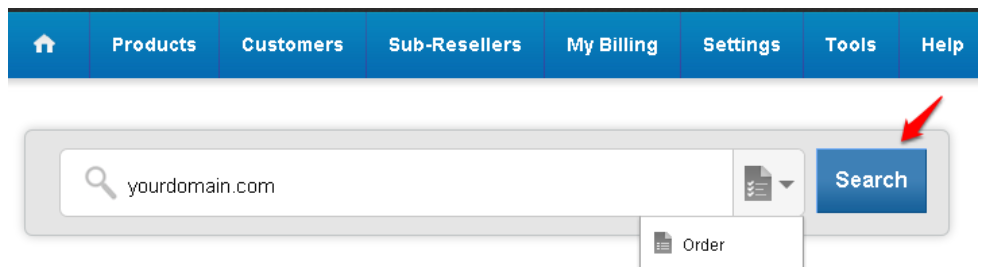
Step 2: Navigate to the Order Information view.
Type the Domain Name of the order in the search field on the homepage, select Order from the drop-down, and click on Search.
Step 3: Add the required Add-ons
-
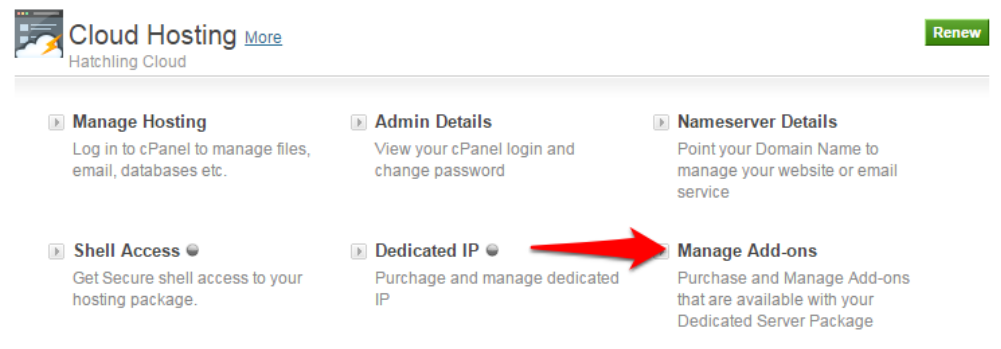
Click on Manage Add-ons.
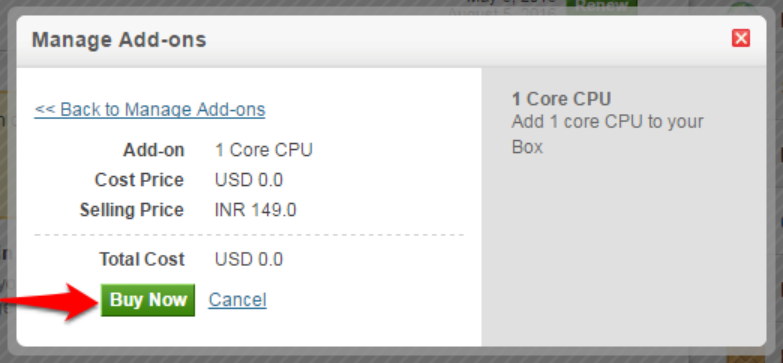
- Click on Buy to proceed with paying for the Add-on.
-
Click on Buy to proceed to pay for the Add-on.
Did you find this article helpful?